



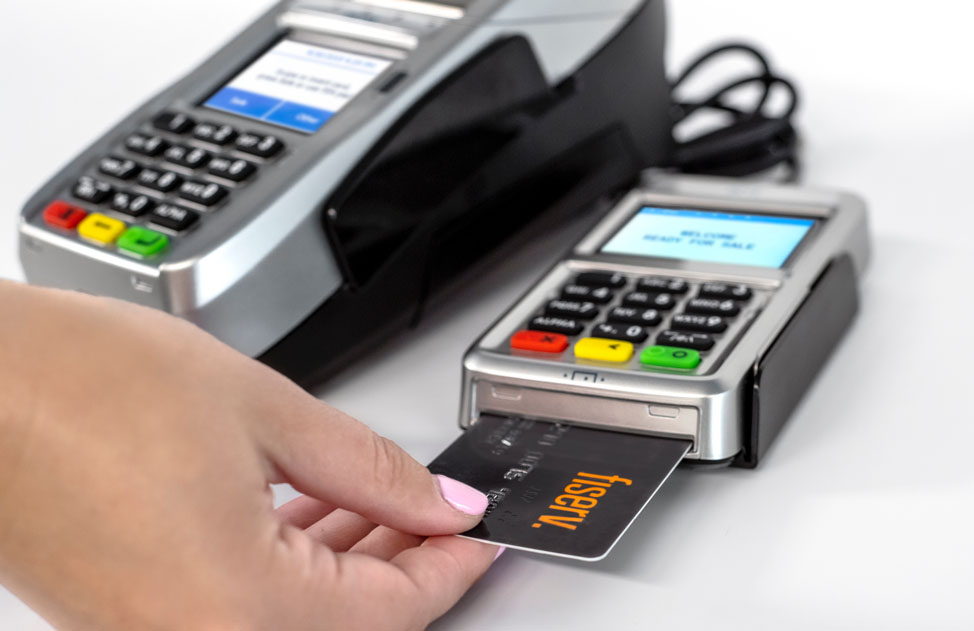
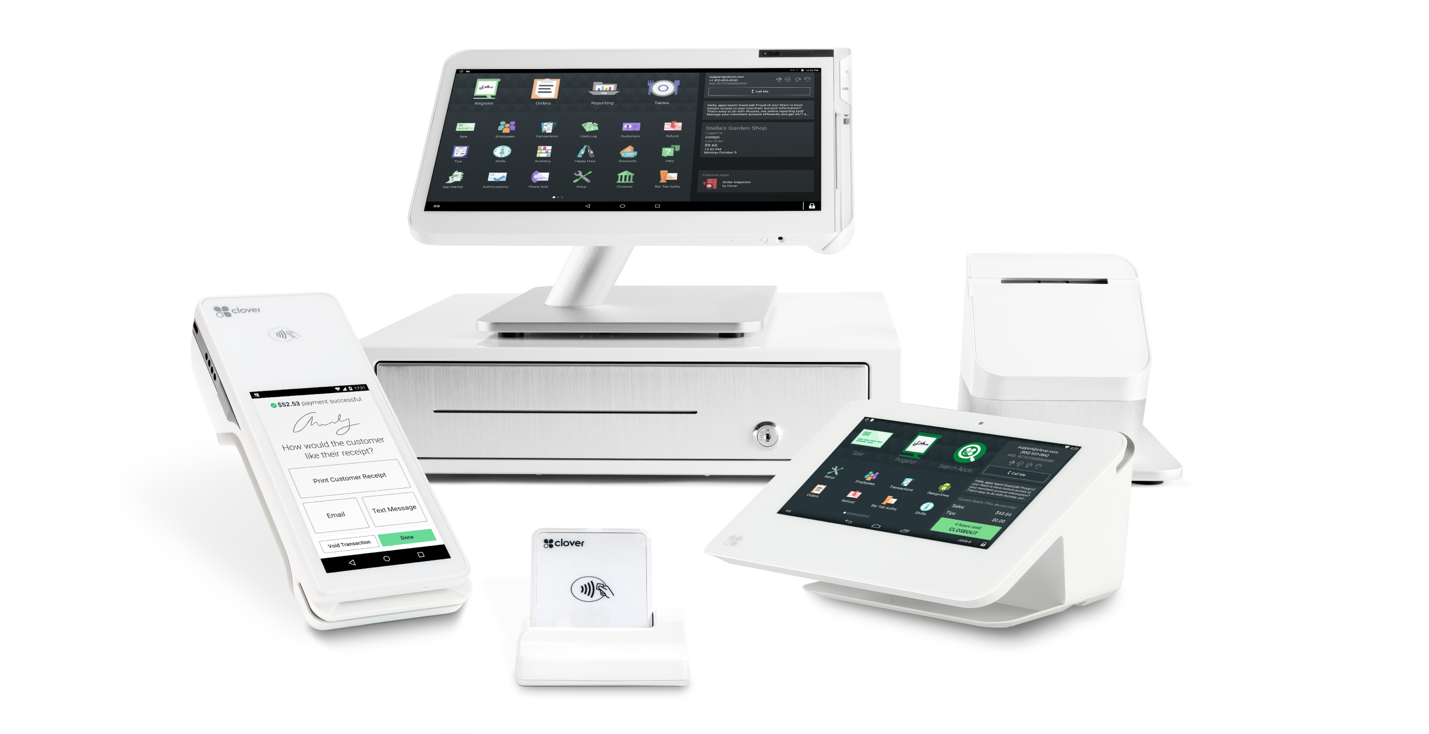


Contactless payments are popular with both customers and merchants. Customers and merchants alike appreciate the convenience of not having to swipe a credit card to complete a transaction. Just tap a card or smartphone to the payment terminal, wait for the reassuring beep, and the transaction is completed.
That’s why 60% of all in-store transactions in the U.S. are now contactless, with half of those transactions via smartphone. Adoption is even higher among young consumers, with up to 75% of Millennials and 90% of Gen Zers embracing contactless payments.
Have you ever wondered how contactless payments work? The process involves several sophisticated technologies enabling a seamless “conversation” between the consumer’s device and the merchant’s terminal.
Contactless Payments from the Consumer’s Perspective
If you’re a consumer, using contactless payments is the easiest way to pay. Just hold your chip-enable credit/debit card or smartphone to the merchant’s payment terminal, wait for the beep, and you’ve made a payment. You may have to manually enter a PIN, if the merchant requires one, but that’s it. Just tap your card or phone and you’re done. It’s almost like magic.
Contactless Payments from the Merchant’s Perspective
A contactless transaction is just as seamless from the merchant’s perspective. Ring up the transaction or punch it into your payment terminal, then have the customer hold their phone or card to the terminal. When the terminal beeps, the transaction is approved and completed. Everything else happens behind the scenes, within the card processing system.
What Happens Behind-the-Scenes
The magic of contactless payments isn’t magic at all. It’s nothing more than a collection of technologies that read the customer’s payment information and transfer it to the payment system.
The core technology used in contactless payments is called Near-Field Communications (NFC). NFC is a short-range wireless technology that transmits information via a low-powered radio signal. It only works when the transmitting and receiving devices are within about 1.5 inches of each other; this prevents the transfer of card data from someone just walking by a terminal. While a customer doesn’t have to literally tap the terminal to initiate payments, the required proximity is often referred to as tap-to-pay.
An NFC transaction is powered by the receiving terminal. A contactless credit/debit card doesn’t contain a battery. Instead, the payment terminal generates a tiny electromagnetic field that powers the internal chip and antenna on the card. Thus powered, data is then sent from the card or phone back to the terminal.
Here’s how it works, step-by-step:
- Activation: The payment terminal emits a constant low-power radio signal.
- The Handshake: When brought close to the terminal, the customer’s card or phone enters the electromagnetic field, wakes up, and identifies itself using a standard protocol.
- Tokenization (The Security Key): Instead of transmitting the actual 16-digit card number, your device generates what is called a token, an encrypted one-time-use digital code. The payment terminal never receives the actual account number.
- Verification: The terminal sends this token to the payment network, such as Visa or Mastercard, typically over the Internet.
- Approval: The payment network unlocks the token, verifies with the customer’s bank that adequate funds are available, and sends back an authorization code.
- The Beep: The payment terminal receives notification that the transaction is approved, generates a beep (and, often, an onscreen message), and the transaction is complete.
Why Contactless Payments Are More Secure Than Swiping
There’s another reason why contactless payments are becoming increasingly popular. Tap-to-pay with a card or phone is significantly more secure than swiping a traditional credit/debit card.
First, know that the magnetic stripe on a credit/debit card contains static data. The customer’s credit/debit card number is literally printed on the stripe. If a thief were to skim that data, they have the customer’s real card number. Contactless data, in contrast, is dynamic, in that the token generated for a given transaction works only once, for that transaction. If a thief were to intercept that data, it wouldn’t work for them in the future.
Similarly, the Apple Pay and Google Pay digital wallets on smartphones use device-specific tokens. The phone doesn’t store the customer’s real card number, just a token. If a thief were to access the digital wallet on a phone, they wouldn’t get the card number. (In addition, the thief would have to know the user’s password or have their fingerprint or FaceID to open the digital wallet app—another layer of security.)
Finally, most issuing banks set a “floor limit” on contactless payments. Any transaction exceeding this limit (typically $100-$250) automatically requires a PIN or signature to complete. That prevents high-value fraud.
Does Your Business Accept Contactless Payments?
If your business doesn’t accept contactless payments, you’re missing out. Recent studies show that consumers with contactless cards and smartphone apps conduct two additional transactions per month, spending an additional $70/month. Merchants report that average tickets increase from 8%-10% when customers use tap-to-pay. If your business isn’t yet contactless, you’re losing out.
If you want to learn more about contactless payments—and set up your company to accept tap-to-pay, contact the experts at Higher Standards today. Our Expert Advisors can answer all your questions and help you obtain the right equipment and service plans to accept contactless payment in your business.
Call us at 952-736-1700 or email us at hsi@higherstandards.net to learn more about how your business can add contactless payments to better serve your customers.